Skip to Content


Punching starts with Precision

2D CAD/CAM software for punching machines


Request a personalized demo ➔

We present our 2D CAD/CAM software to improve CNC programming for punching machines. It is compatible with multiple CAD formats and enables automated machining through a configurable tool library defined by the user.

The machining engine optimizes punching sequences, reduces tool changes, and improves cycle times while increasing material utilization. This solution is designed for demanding sheet metal manufacturing environments that require precision, efficiency, and full control over production processes.

More than 200


Models of punching machines supported.

Time savings


Reduced programming time through simulation and pre-verification.

Between 5-10%


Average material savings thanks to advanced nesting.

Máquina de punzonado

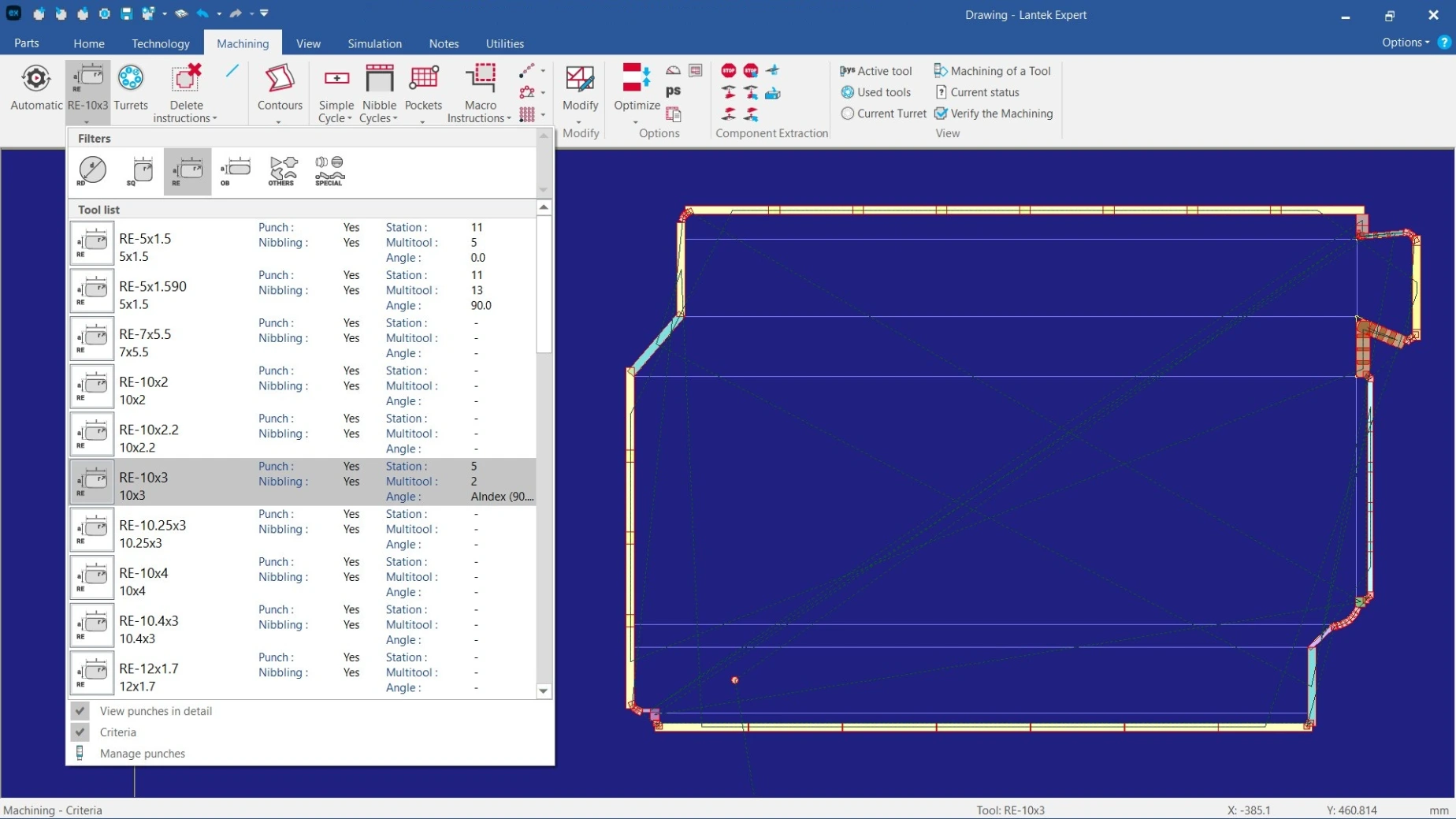
Tool management


Lantek Expert Punch allows full control over punching tools, including tapping, forming, embossing, and wheel tools. It supports Autoindex and Multitool stations in both circular and linear turrets.

Through an advanced graphical interface, users can visualize punch and die positioning, reduce tool change times, and define turret configurations for reuse in future CNC programs.

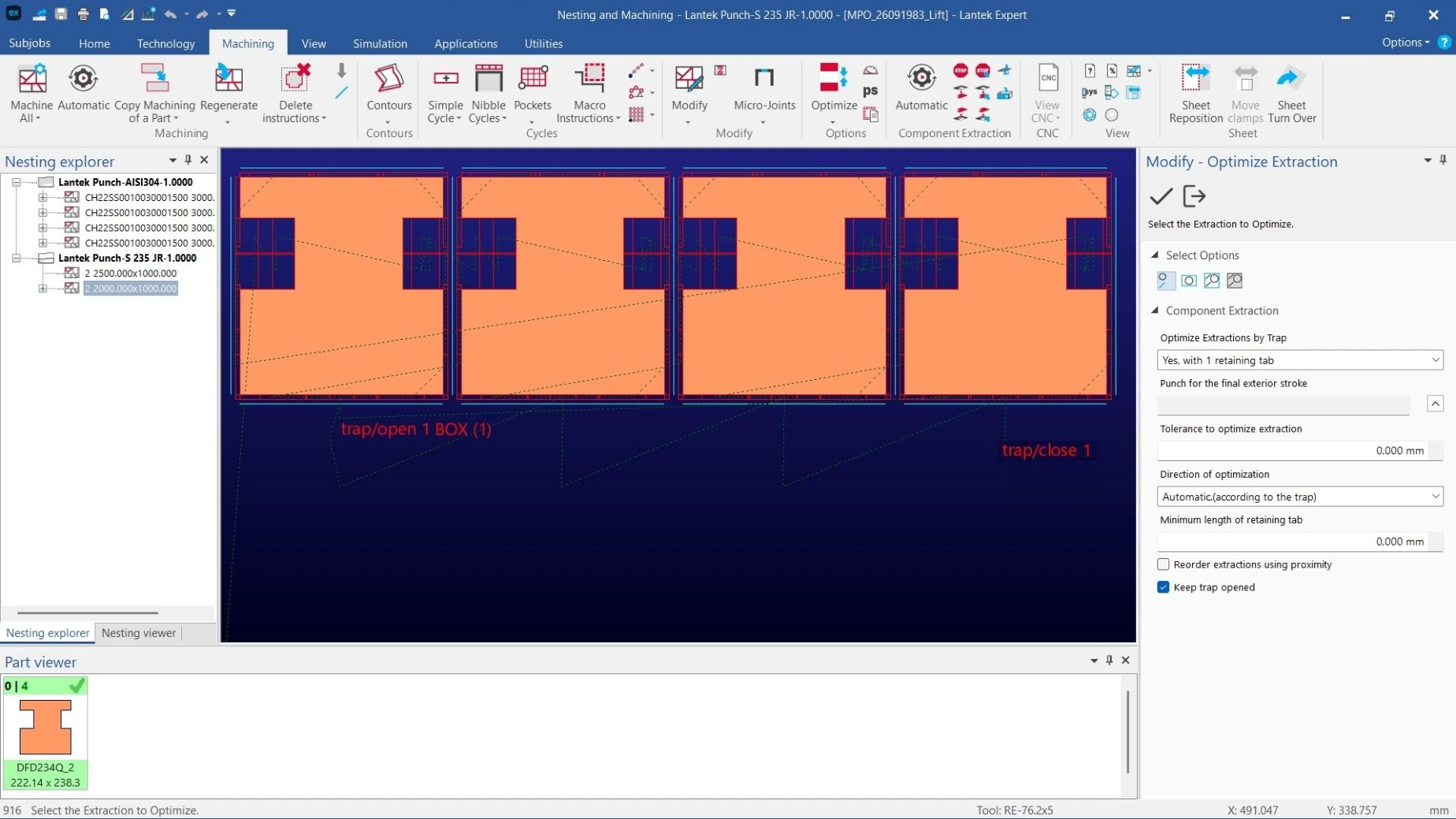
Lift evacuations and hatches


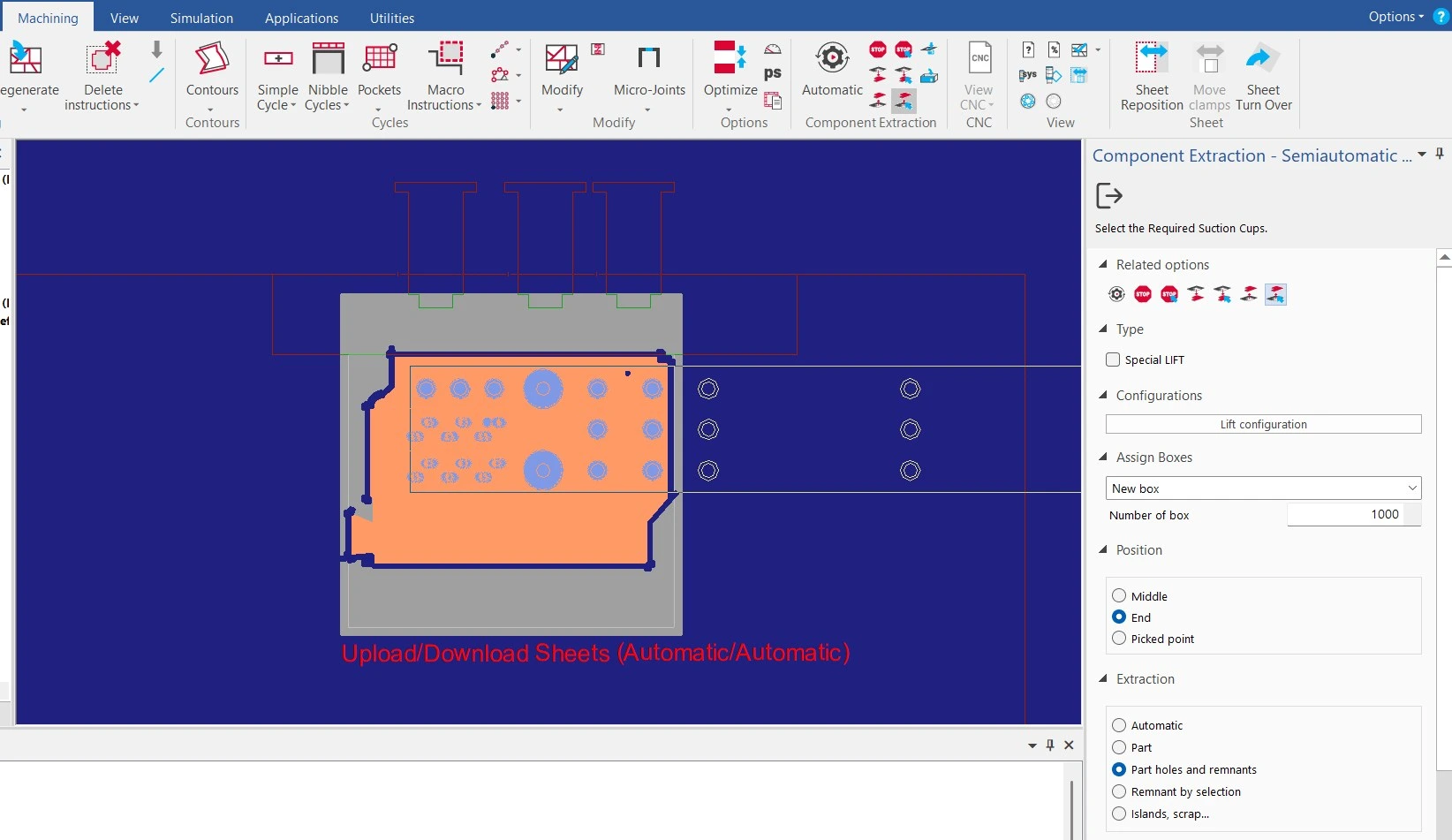
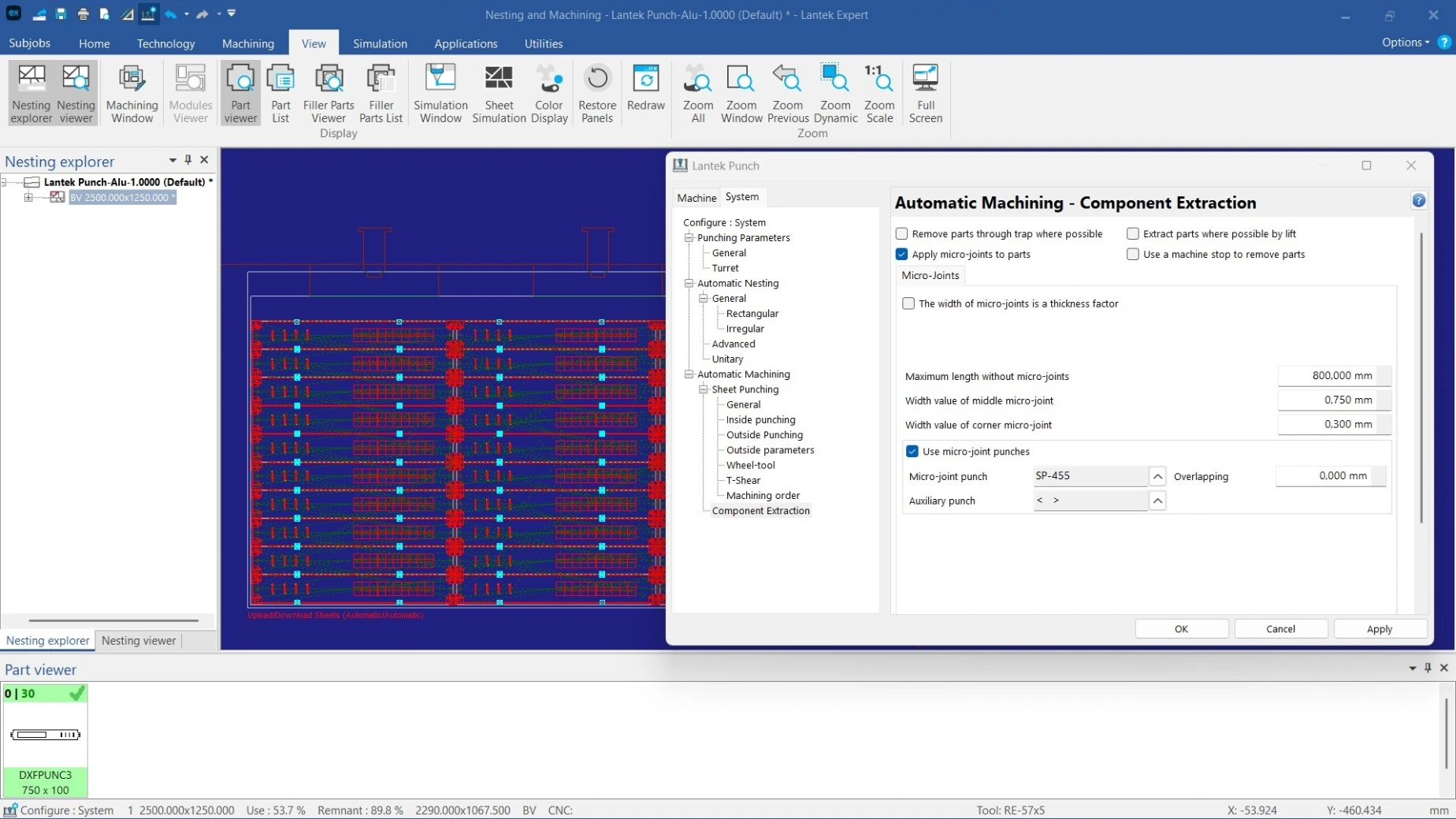
The system automatically selects the most appropriate part evacuation strategy based on size and weight. It manages automatic trapdoors, vacuum cups, machine stops, and micro-joint strategies, improving part unloading without manual intervention.

Smart nesting


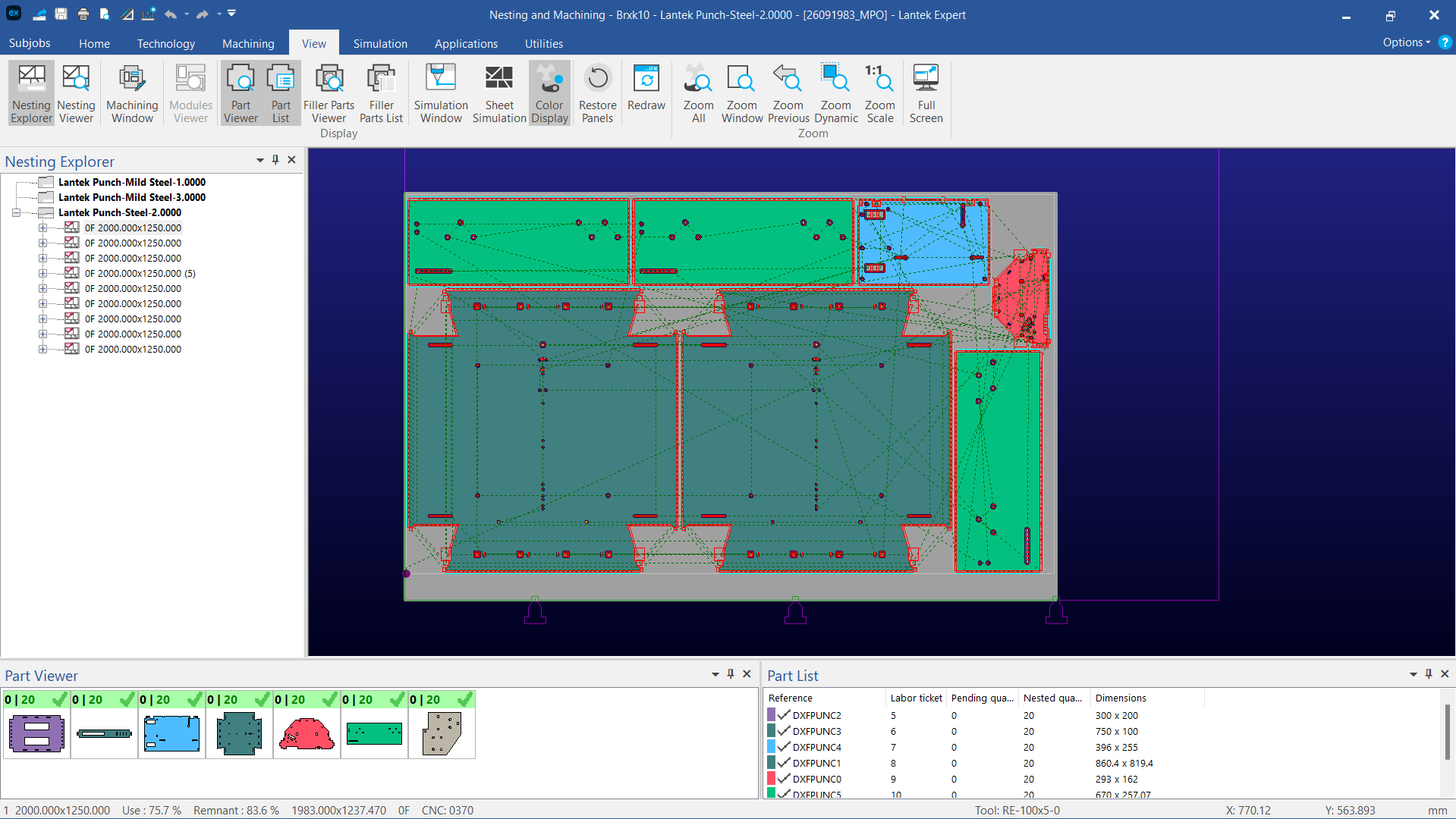
Lantek Expert Punch includes a high-performance nesting engine for sheet metal cutting and punching. Using algorithms for both regular and irregular geometries, it distributes parts efficiently across sheets to maximize material usage.

It supports common punching and allows manual adjustments for fine-tuning nesting layouts.

Contact our team


We will help you find the right solution for your manufacturing needs.


Contact our experts


Key ​Features

Automatic and customizable CNC machining


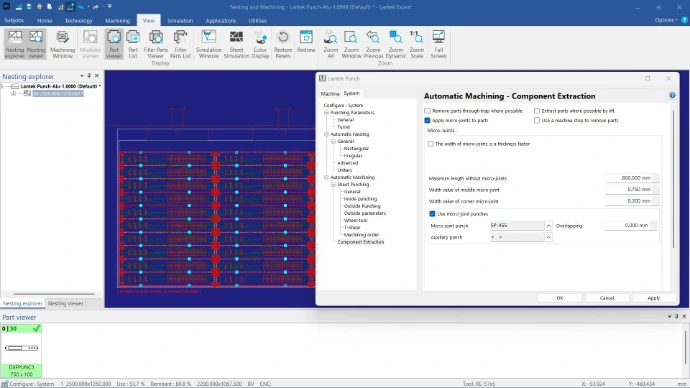
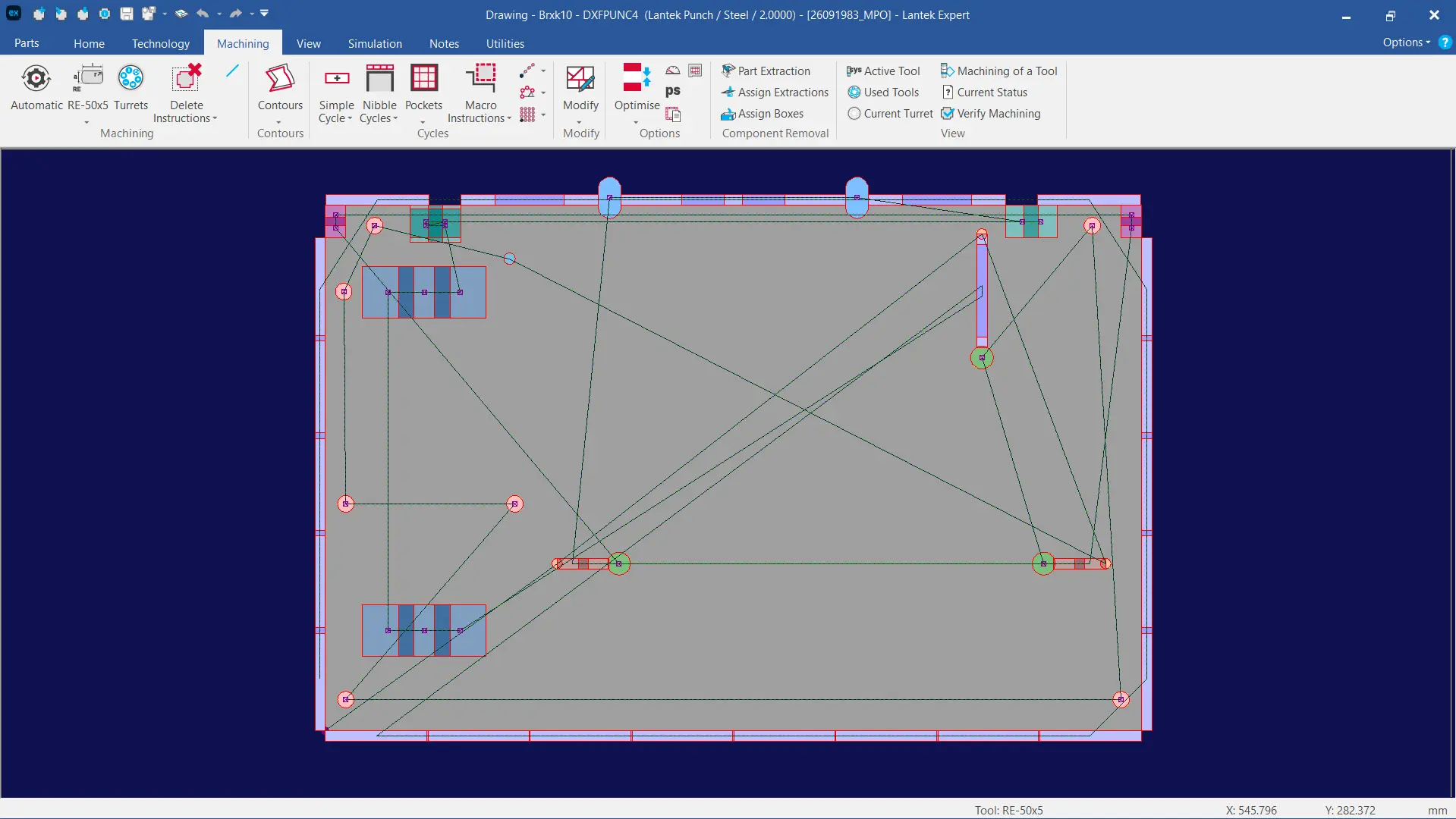
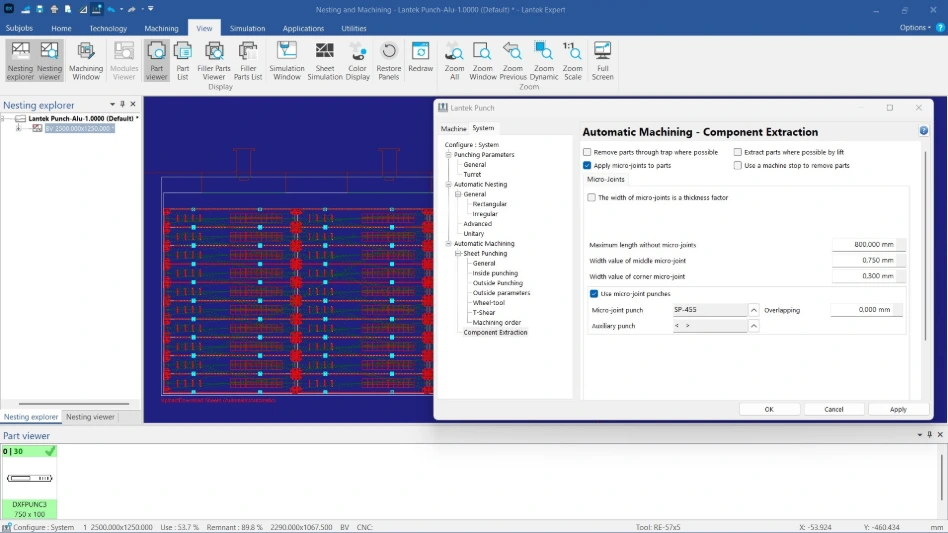
The system includes an extensive set of machining parameters that define how contours are processed. Users can assign micro-joints where required and reduce cycle time by optimizing movements and tool changes.
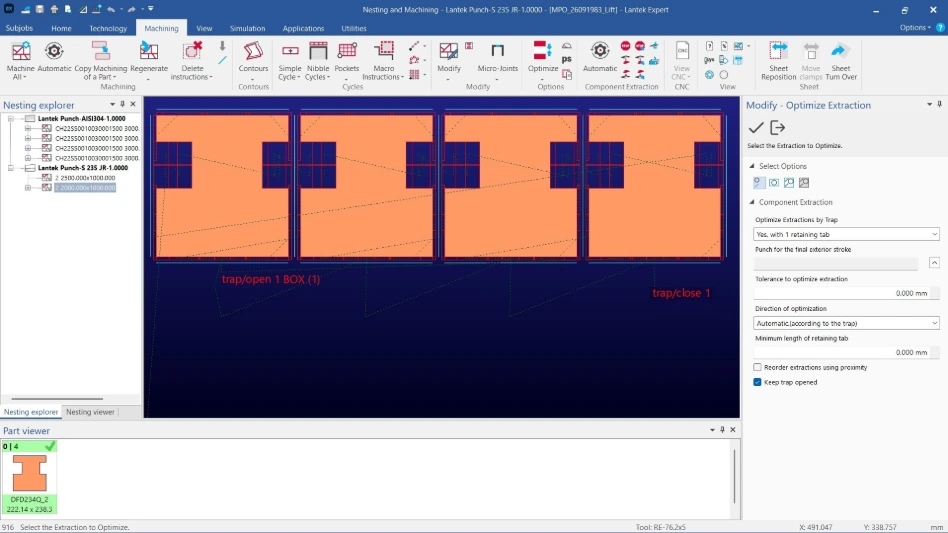
Common punching


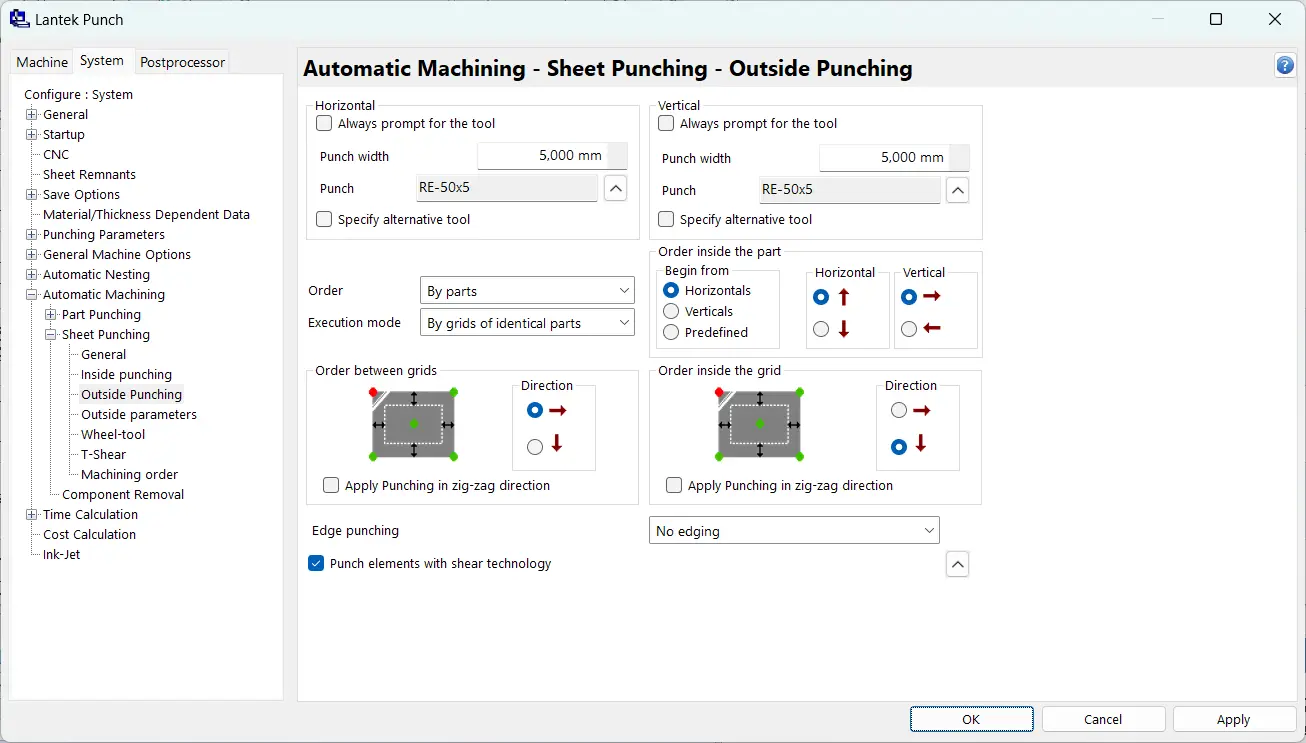
This feature allows multiple parts to share common punching lines, reducing the total number of operations. Configurable micro-joints keep parts attached during machining, ensuring safe handling and preventing loose components that could damage tools or interrupt production.
Compatible with major CAD formats


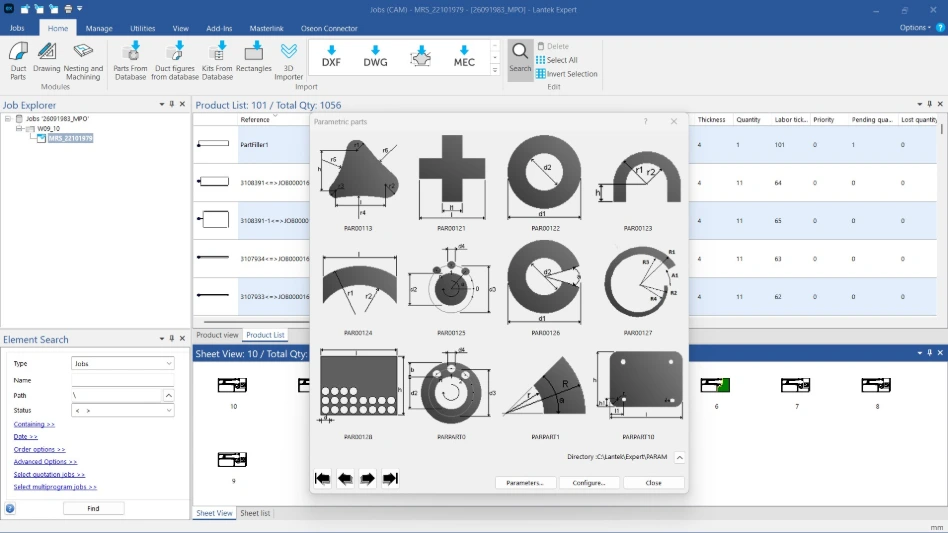
The software supports direct import of standard CAD formats such as DXF and DWG. During import, it preserves key attributes like layers, line types, and text entities, ensuring a consistent transition from design to manufacturing without data loss.

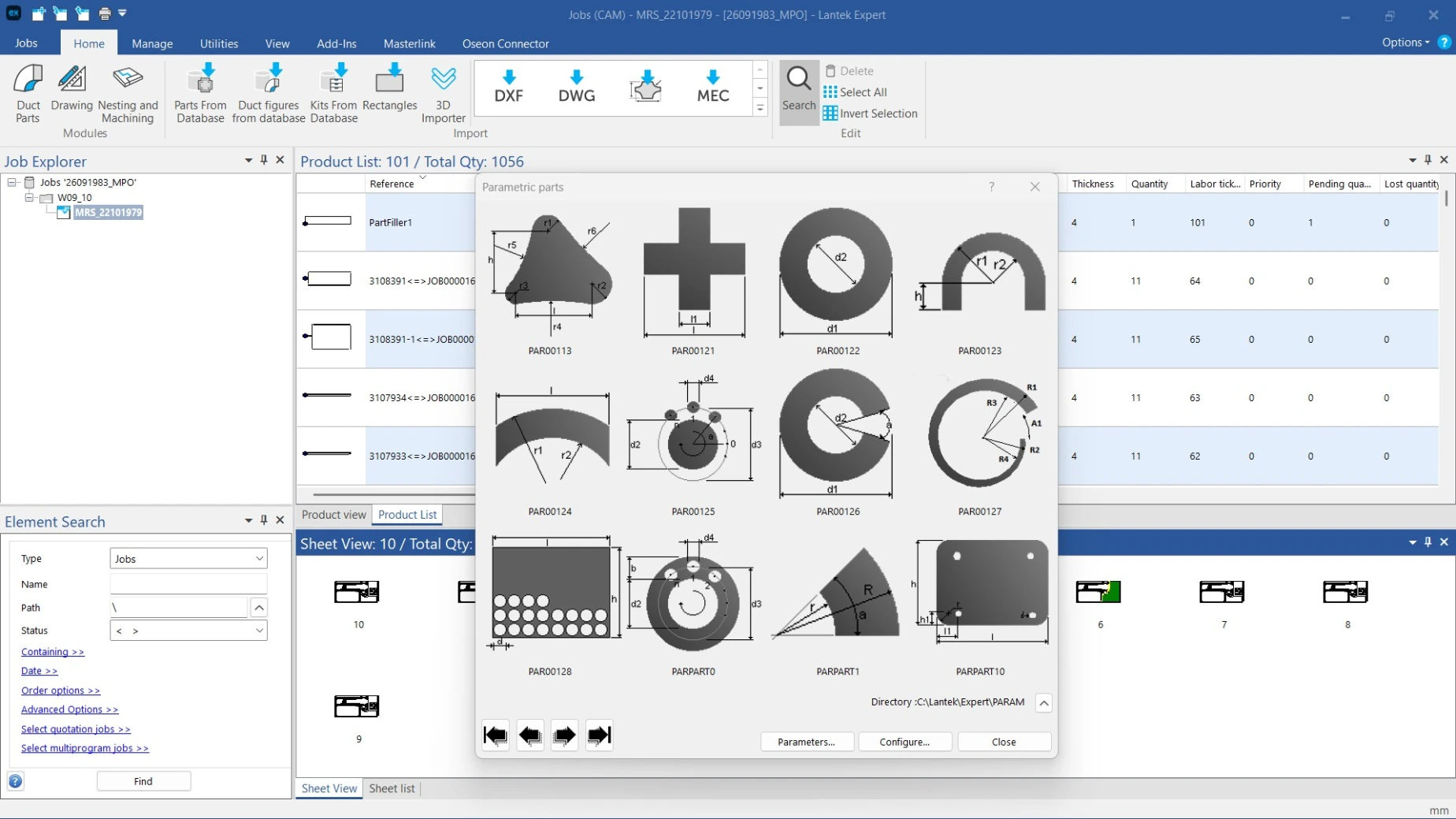
Library of parametric parts and reusable machining macros


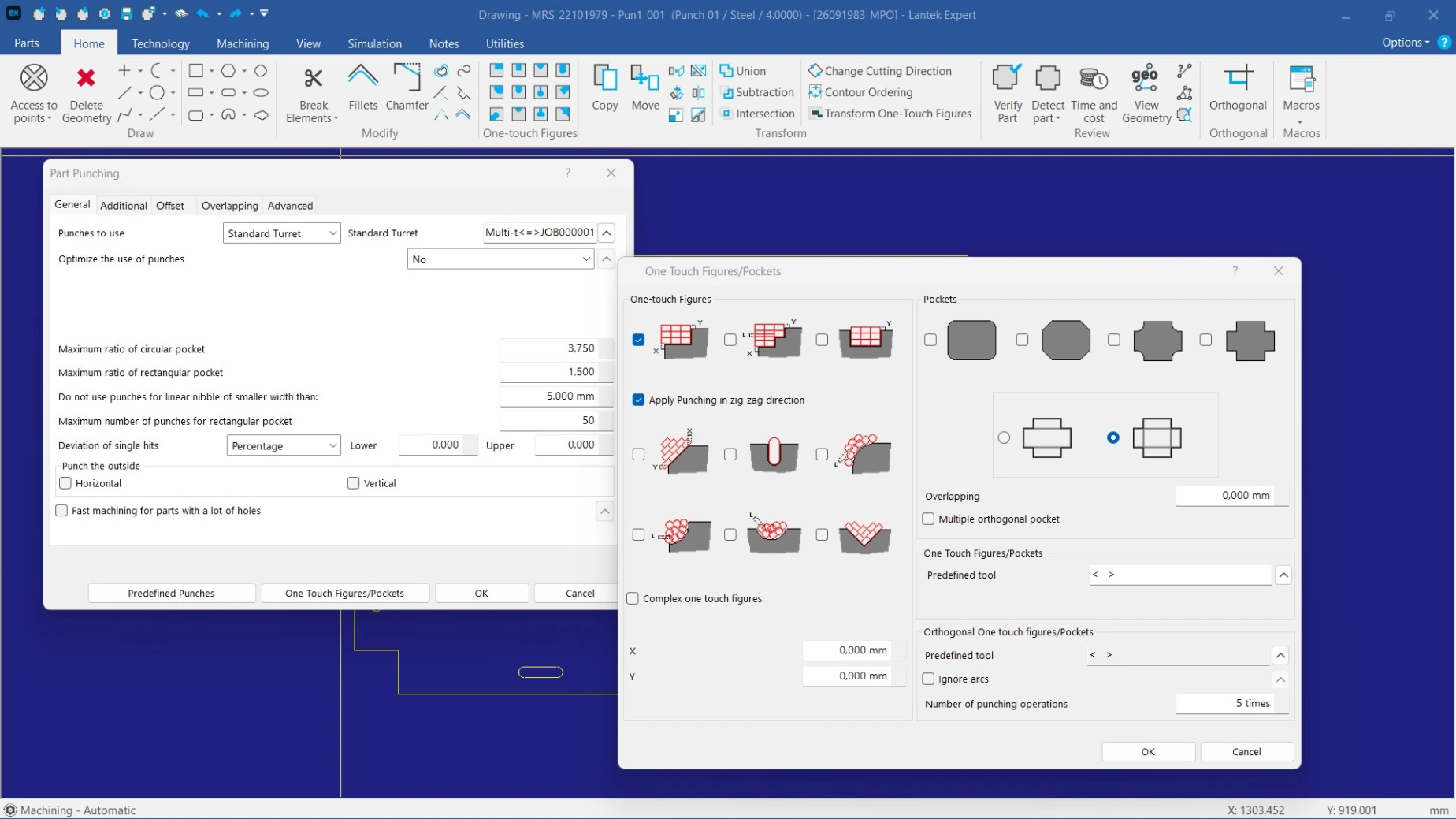
The system includes a library of parametric parts that can be easily modified. It also allows the creation of machining macros that apply predefined strategies to specific geometries, reducing manual programming and ensuring consistency across production batches.
Graphical simulation and CNC generation with machine-specific post-processors


Each post-processor is adapted to the specifications of the CNC punching machine. The software includes graphical simulation tools that replicate the punching process, allowing validation of the program before execution and reducing errors on the shop floor.

Support for combined punching, laser, and shearing machines


The solution supports combined machines that integrate punching, laser cutting, and shearing operations. It manages the transition between technologies and applies coordinated cutting and evacuation strategies. This approach reduces cycle time and improves overall production efficiency.

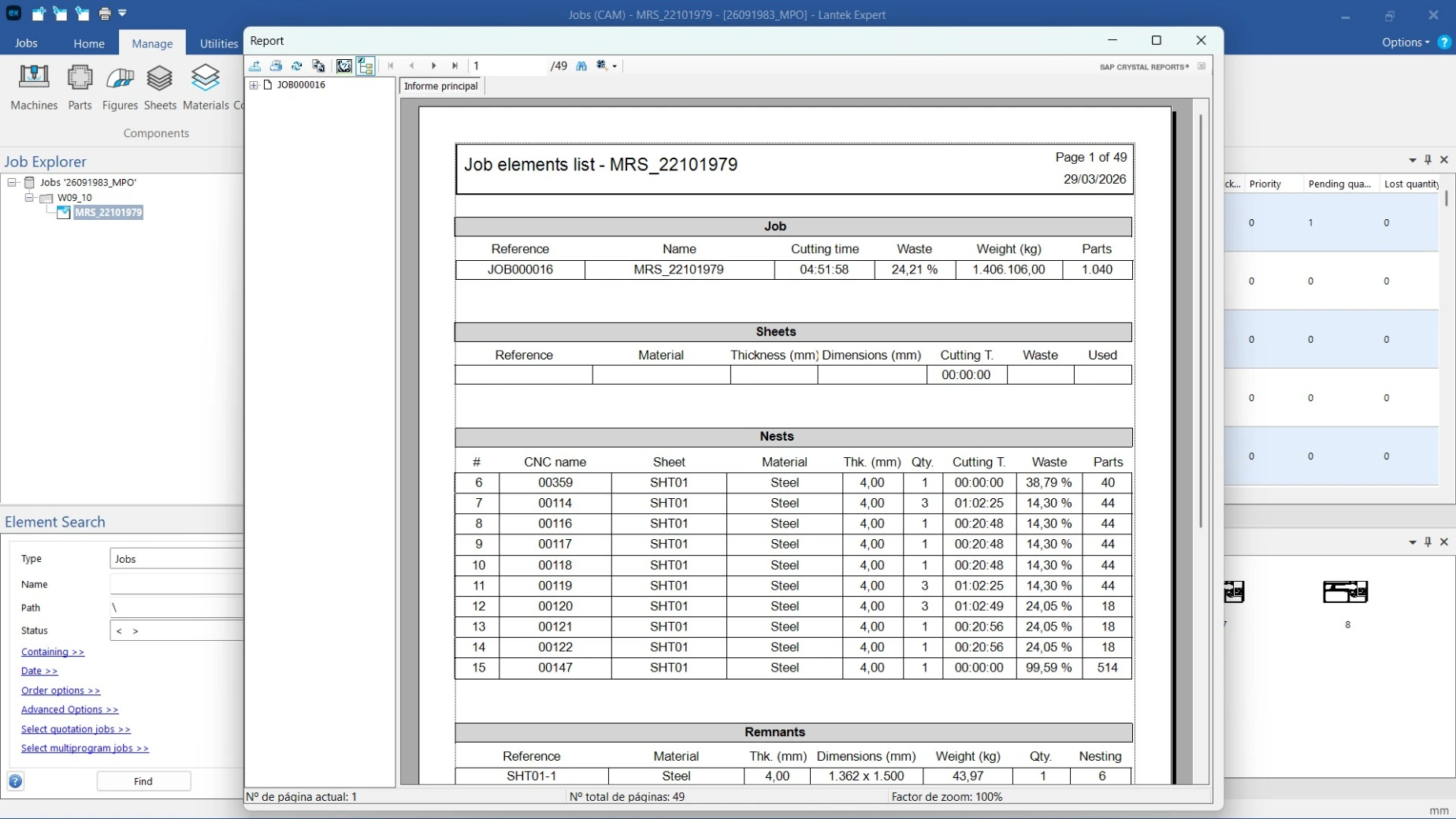
Automatic calculation of times and costs with exportable reports


The system estimates machine time, number of hits, tool usage, and production costs per part or sheet. It generates detailed reports that can be exported and used for quoting, cost control, and production planning.
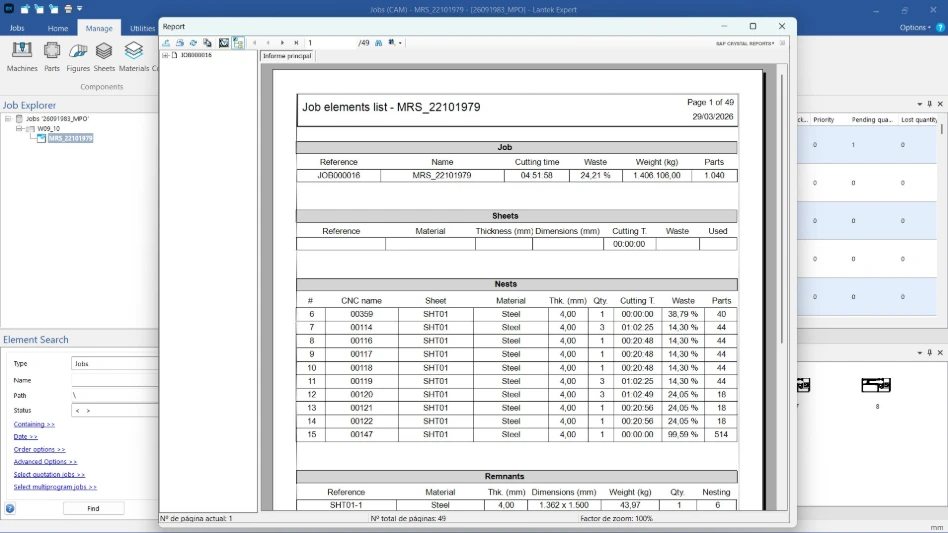
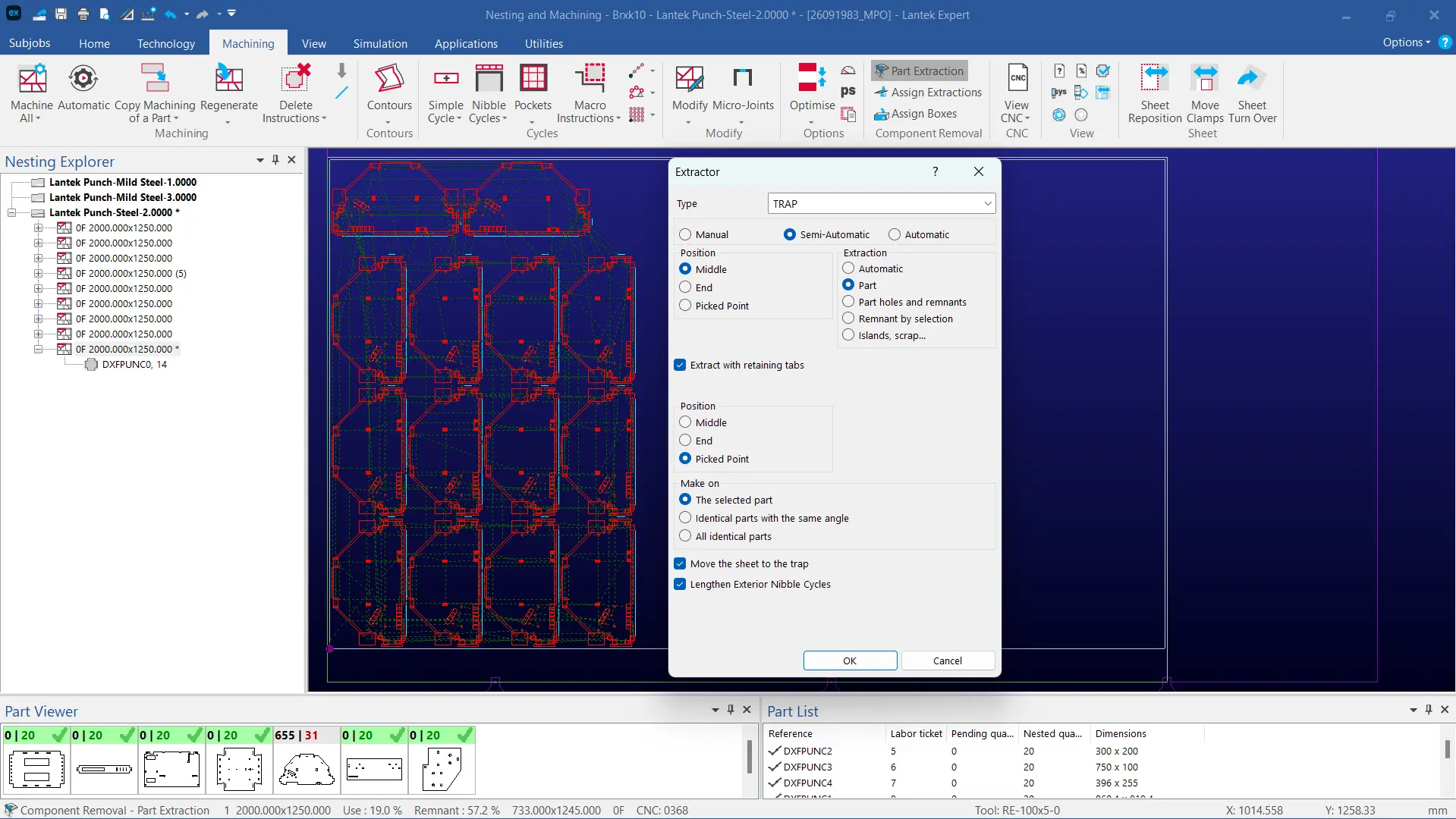
Image gallery

Success stories in plants using Lantek Expert


Your Dynamic Snippet will be displayed here... This message is displayed because you did not provide enough options to retrieve its content.

Frequently asked questions

In this section, you can find answers to common questions about CAD/CAM punching software and sheet metal manufacturing.

Effective punching software manages tools, stations, multitools, and turrets to machine different geometries. It applies common punching, micro-joints, part evacuation strategies, and tool replacements automatically.

It also optimizes the punch path to reduce machining time.

Lantek Expert Punch automates the punching sequence and generates machine-specific CNC code. It supports the full process, from 2D design to nesting, tool assignment, and simulation.

Software that integrates punching and laser technologies allows manufacturers to assign operations to the most suitable process.

Lantek Expert manages both technologies in a single environment, improving material usage and production time.

Automatic machining significantly reduces programming time, in some cases by up to 90 percent. It also reduces errors, improves machining accuracy, and standardizes processes through reusable macros. This results in better productivity and lower operating costs.

Lantek Expert Punch supports a wide range of punching machines, including those with rotating turrets, linear stations, Autoindex tools, and Multitool systems. It also supports hybrid machines that combine punching with laser cutting or shearing.The system adapts to different manufacturers and machine models.

Yes. Machining macros can be configured to automate strategies for specific geometries. Users can define sequences, punching types, micro-joints, and tool paths based on production requirements, ensuring consistency and flexibility.

Yes. Lantek Expert Punch integrates with Lantek Integra, the company’s ERP system. It also connects with third-party ERP systems through the Lantek API.

This integration allows synchronization of production data, materials, orders, and costs, improving traceability and production management.

Contact us


I have read and accept the Legal Notice and the Privacy Policy

Thank you for your feedback!

Our team will get back to you as soon as possible.

In the meantime, we invite you to visit ourwebsite.