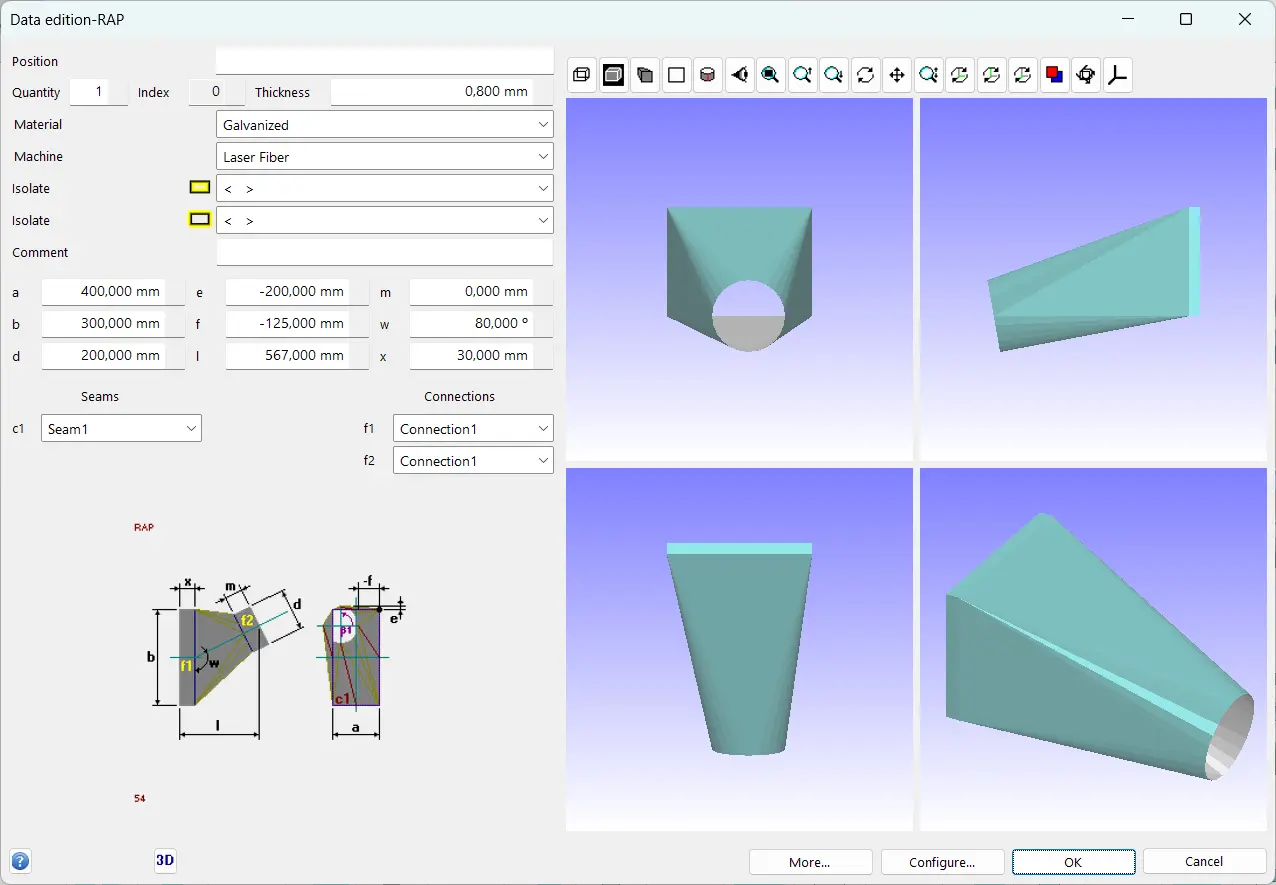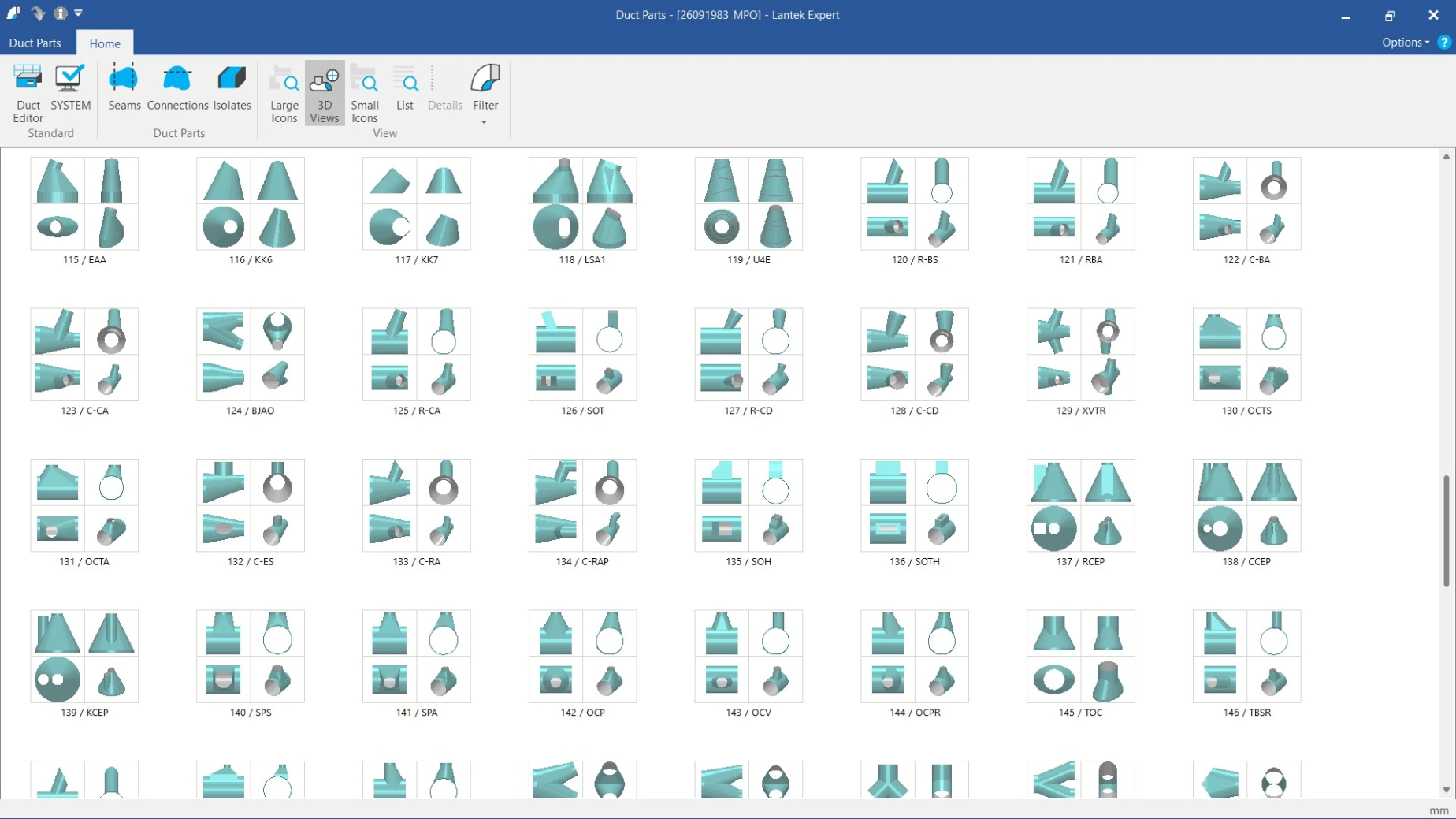

Guided automatic development
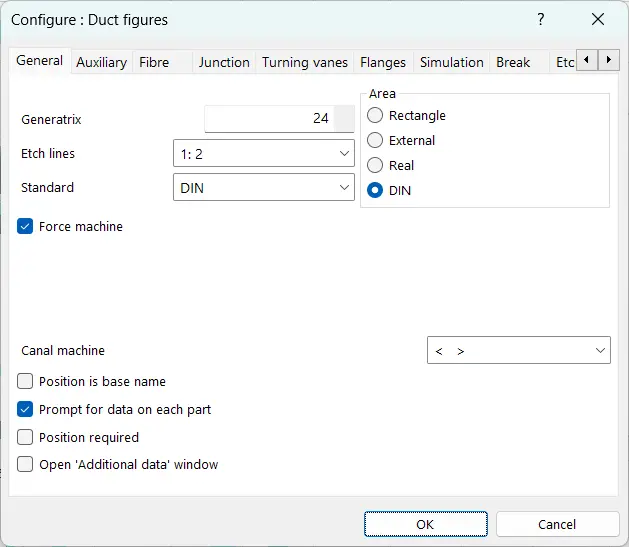
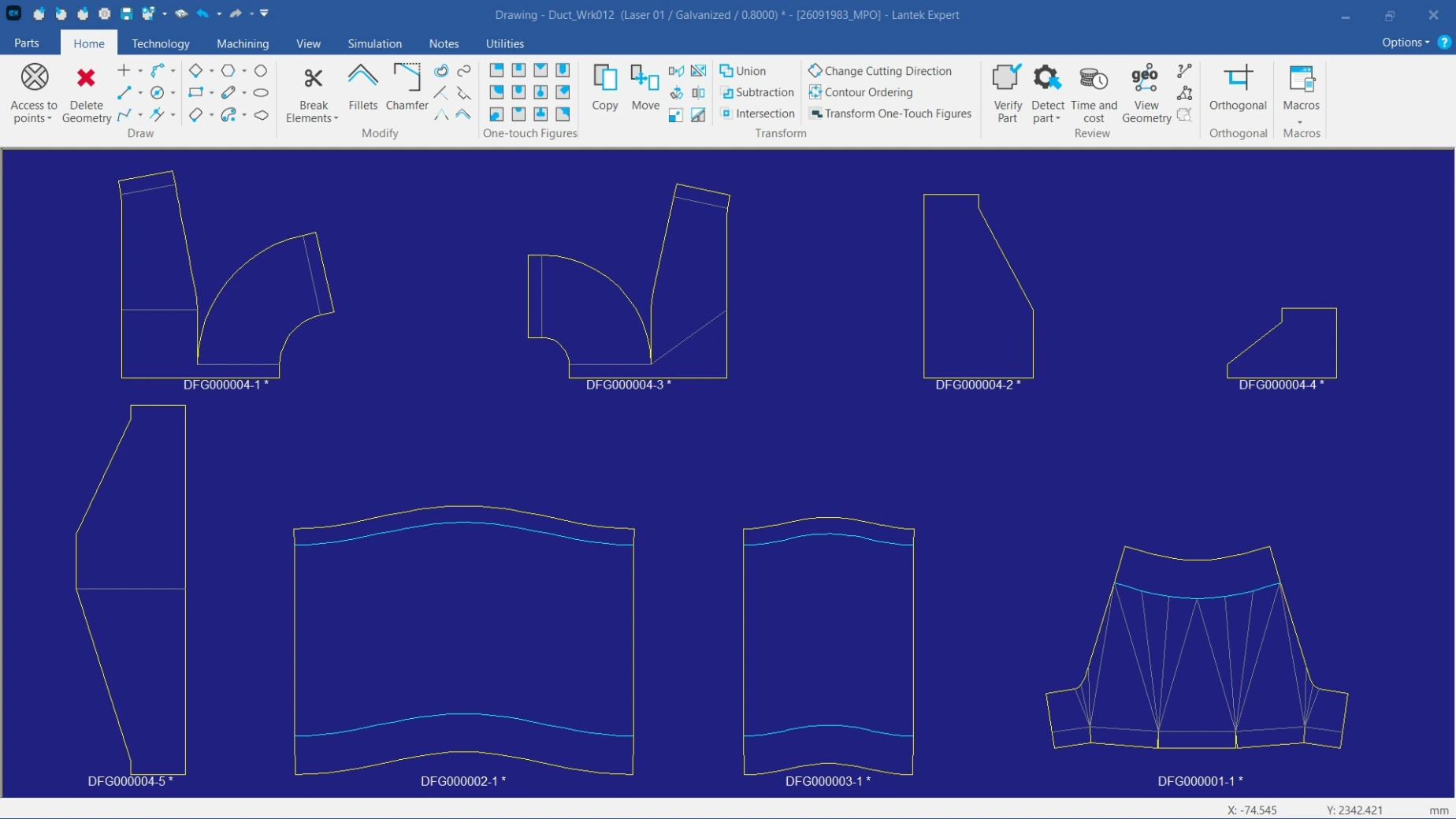
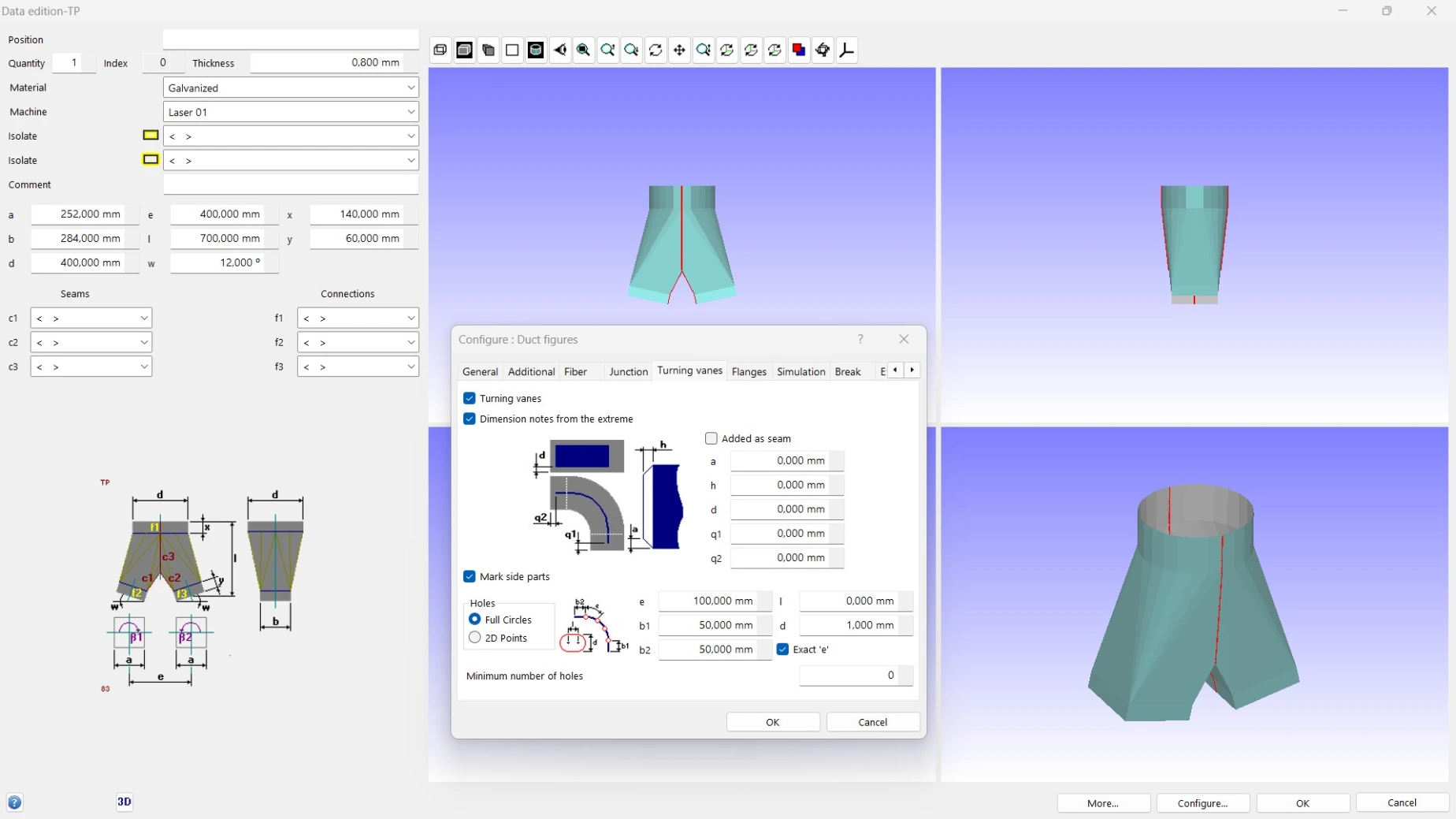
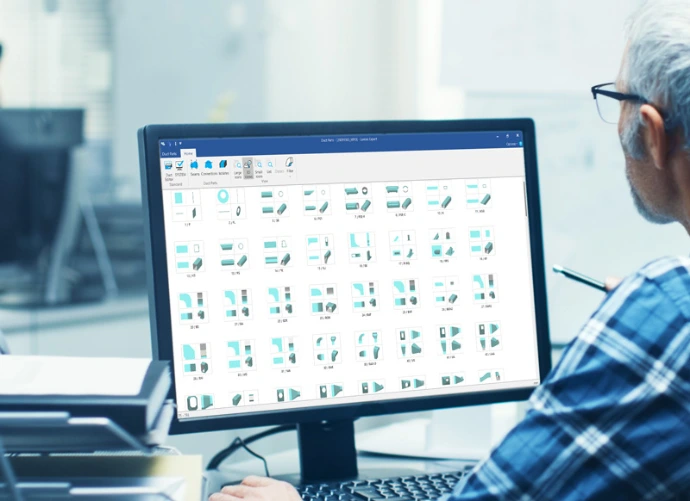
The software guides the user through each step. From shape selection and dimension input to flat pattern generation and export for cutting. This reduces manual work and minimizes design errors in sheet metal manufacturing.
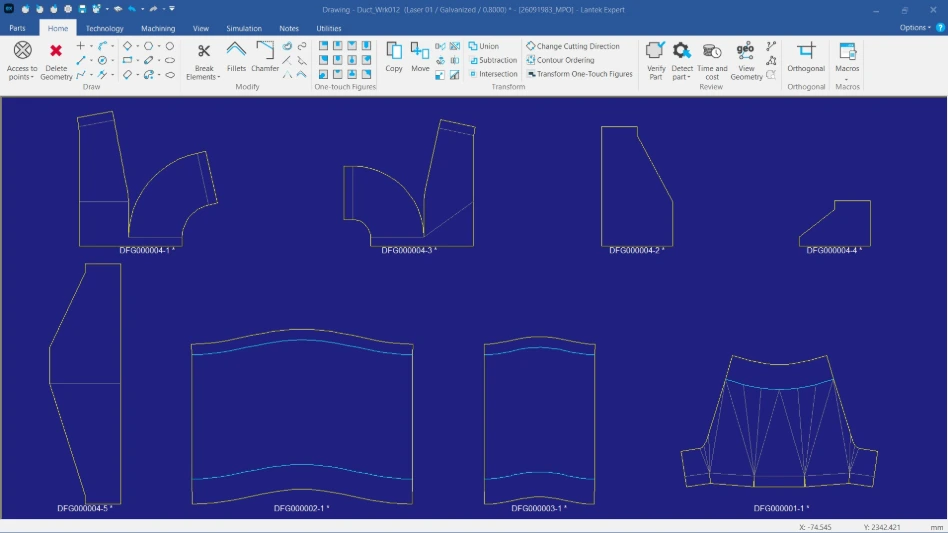
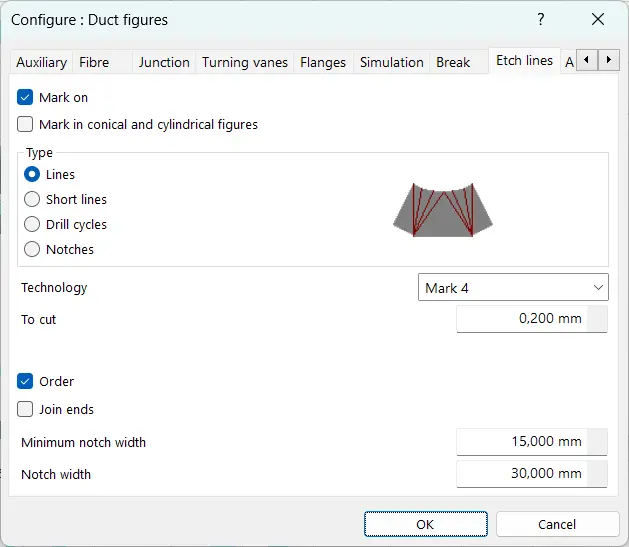
2D editor with technical marking
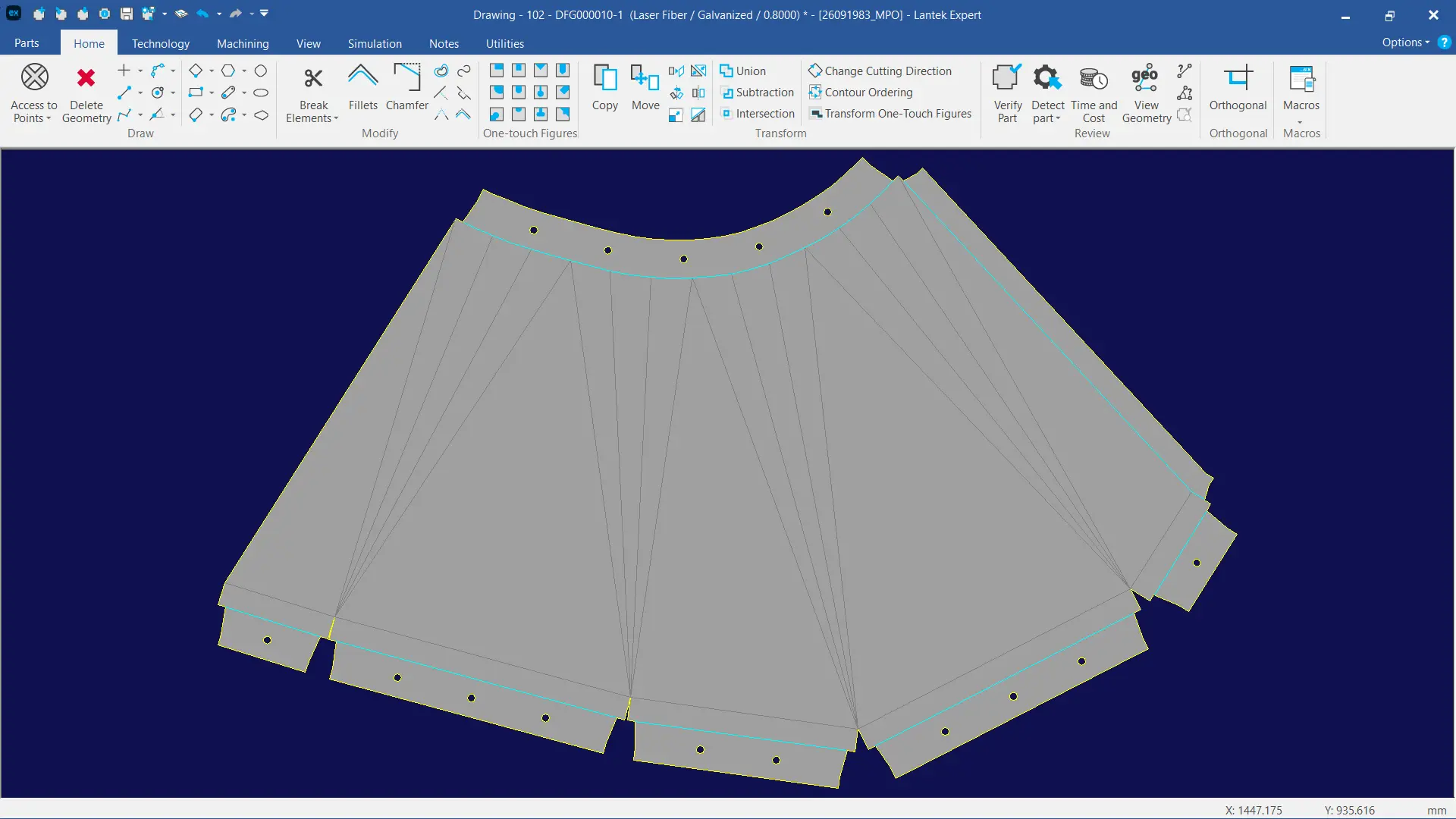
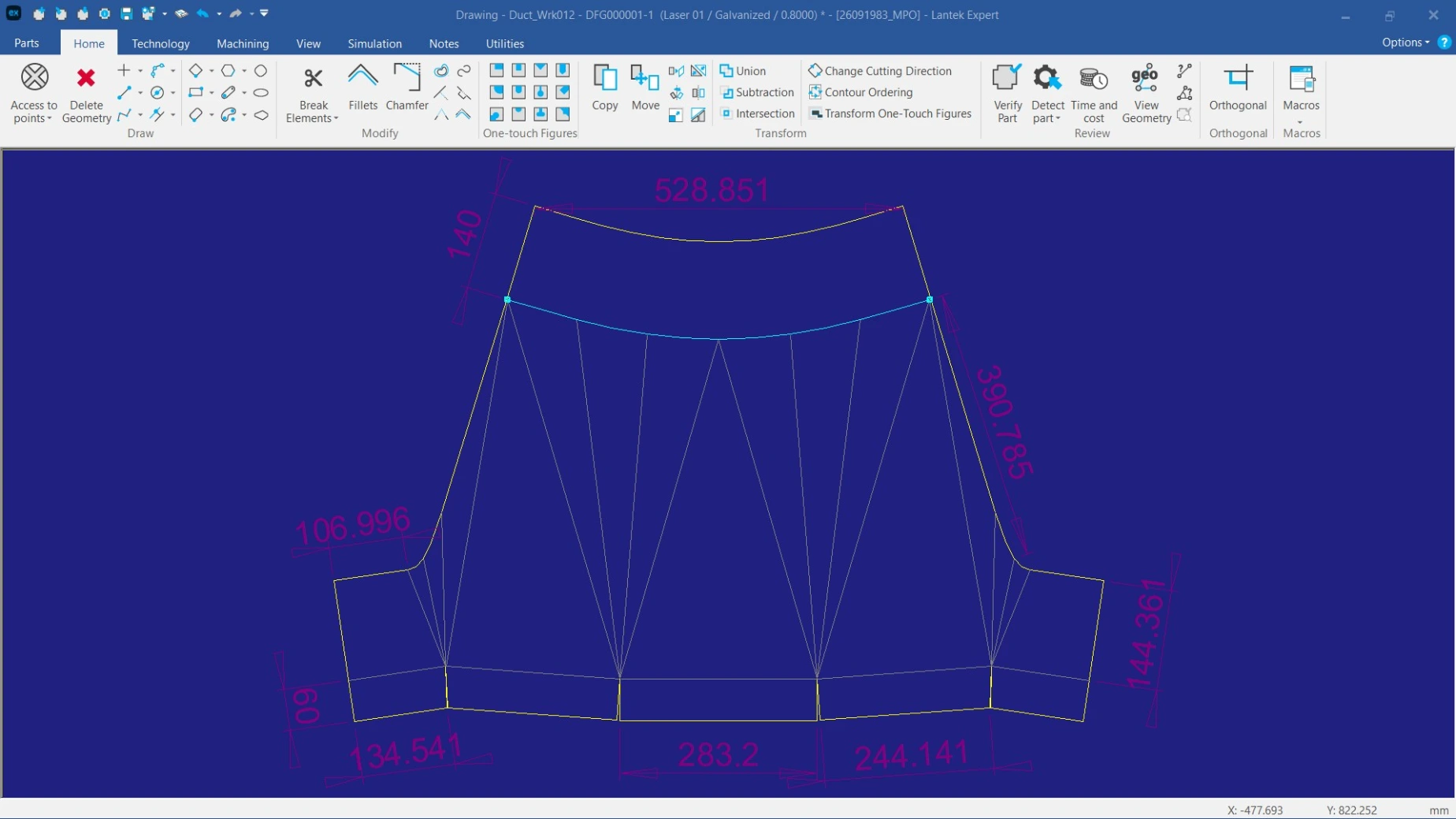
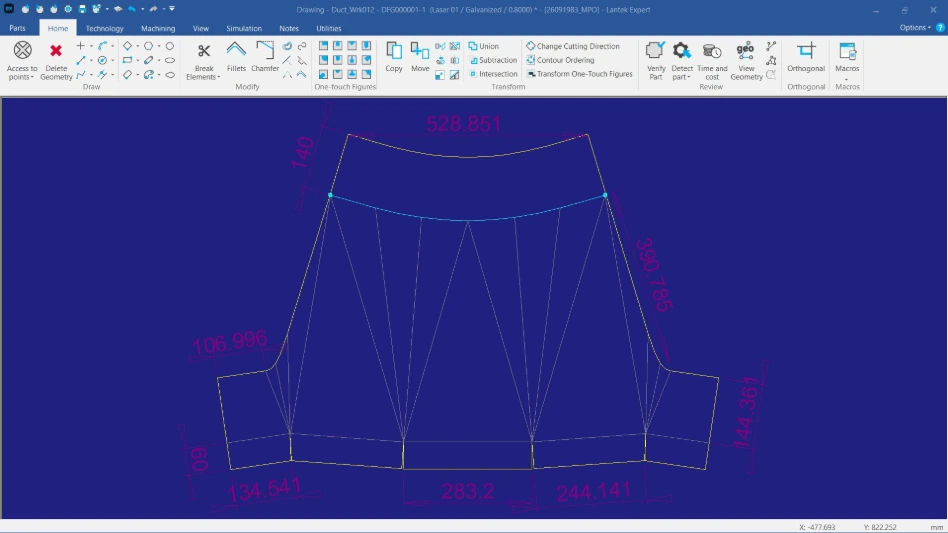
Add folding lines, notches, perforations, and markings directly to the geometry. These elements can be defined based on cutting technology, marking tools, and joint types, ensuring compatibility with CNC cutting processes.
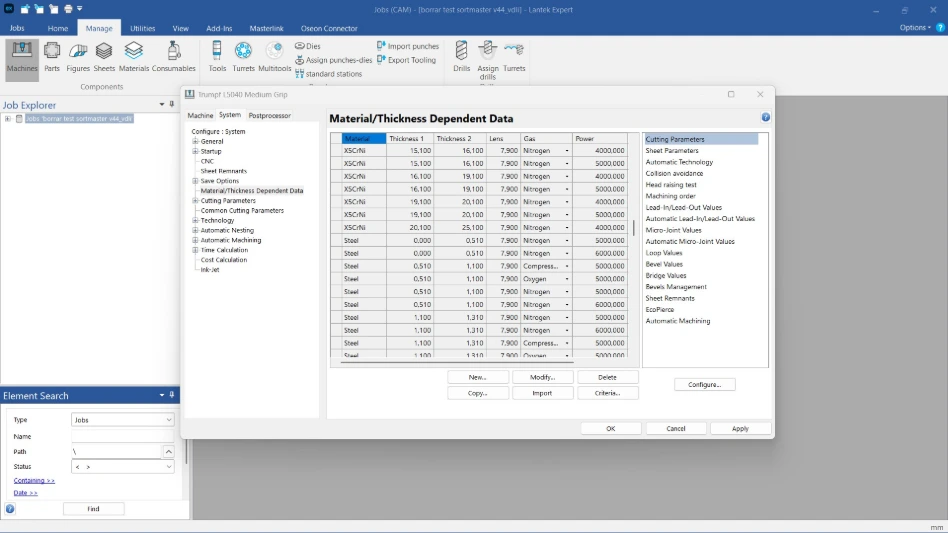
Advanced management of materials and thicknesses
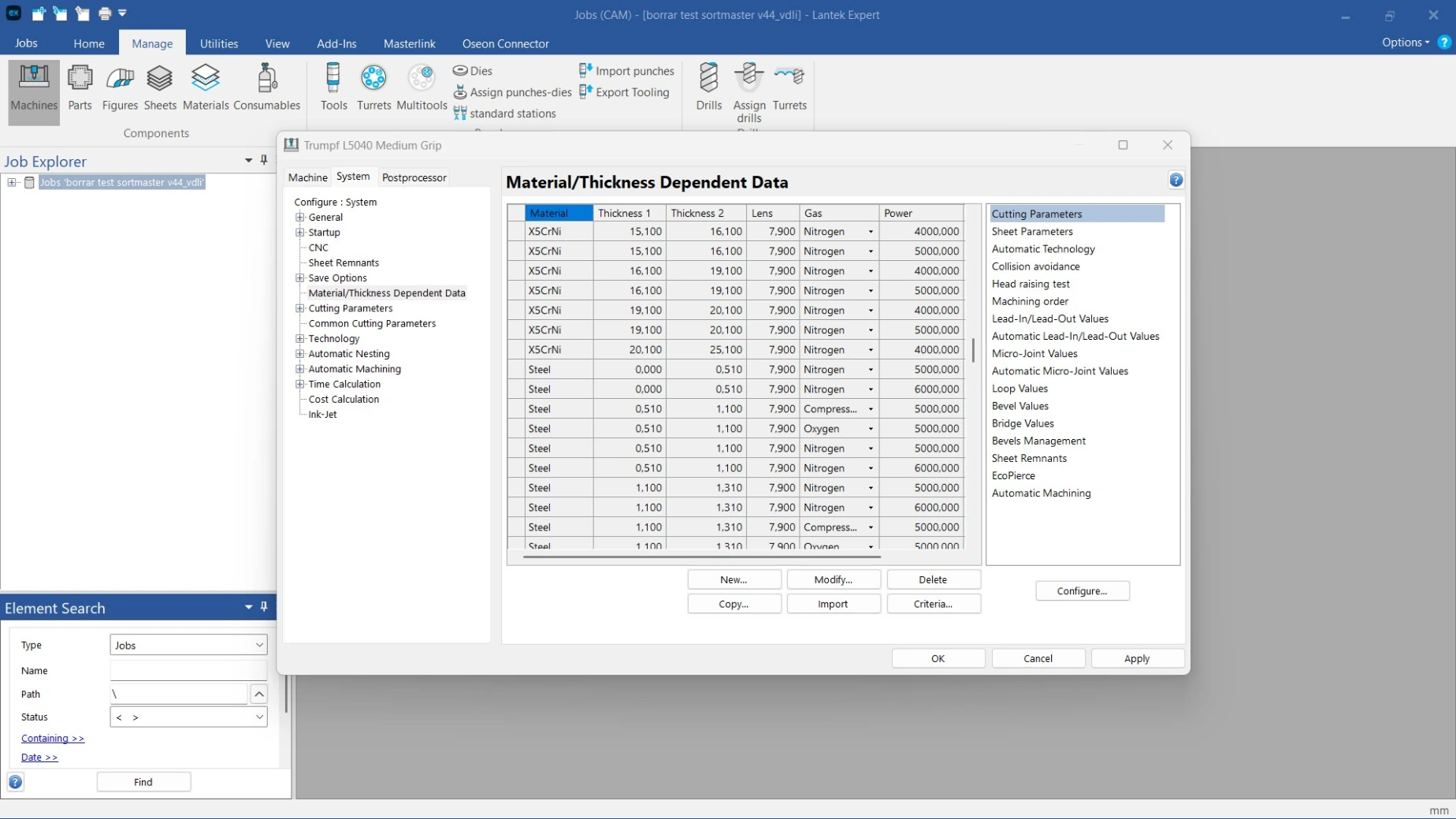
Assign materials, thicknesses, insulation types, and cutting machines to each part. These parameters are applied automatically during development to generate accurate geometries for production.
Configuration of seams, flanges, and joints
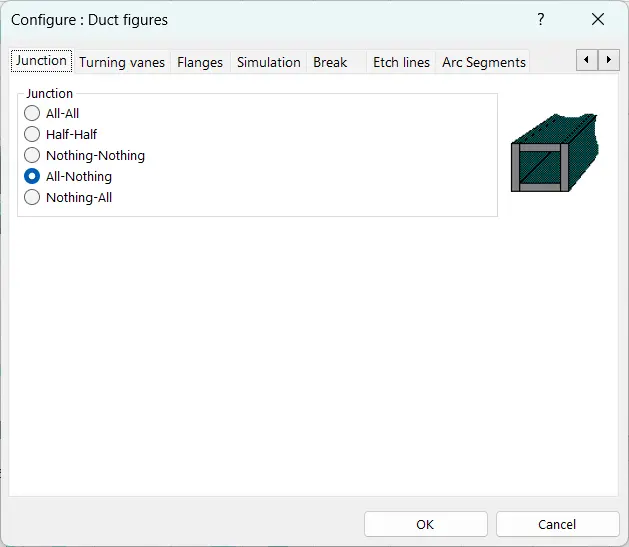
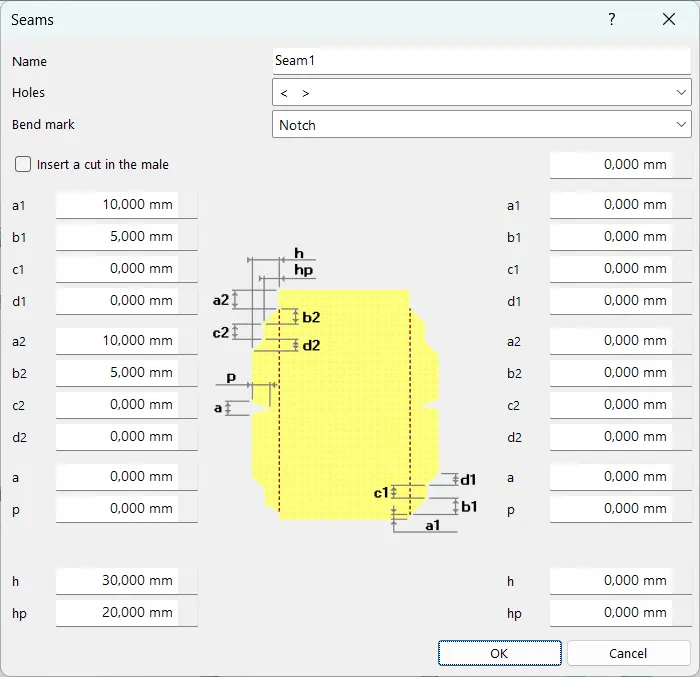
Create and manage custom seam libraries and define assembly methods based on material thickness and manufacturing requirements. This ensures consistent results across projects.
3D simulation and development validation
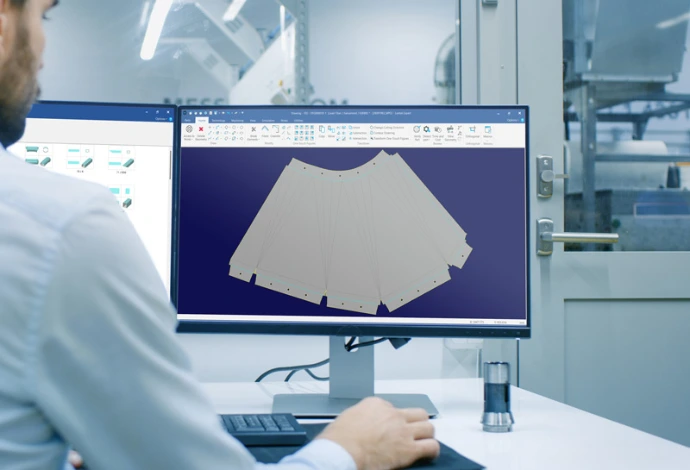
Visualize parts in 3D and validate the flat pattern before manufacturing. The 3D view confirms dimensional accuracy, while the 2D development ensures feasibility for cutting and forming.
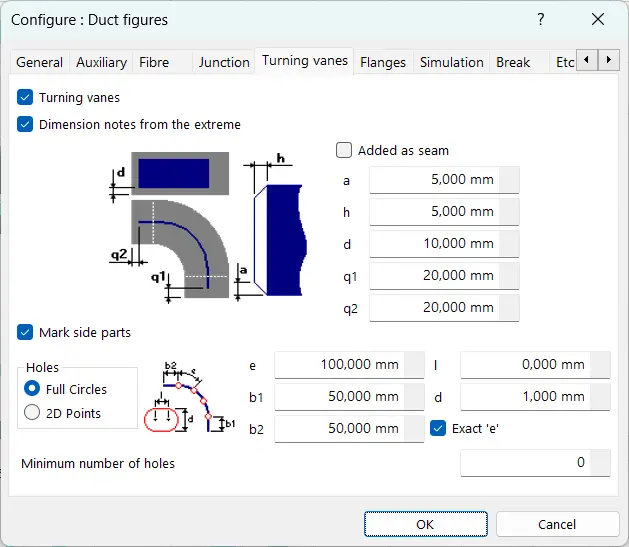
Definition of insulators and deflectors
Configure internal and external insulation layers and generate components such as deflectors with precise parameters, including marking, perforation, and dimensions.
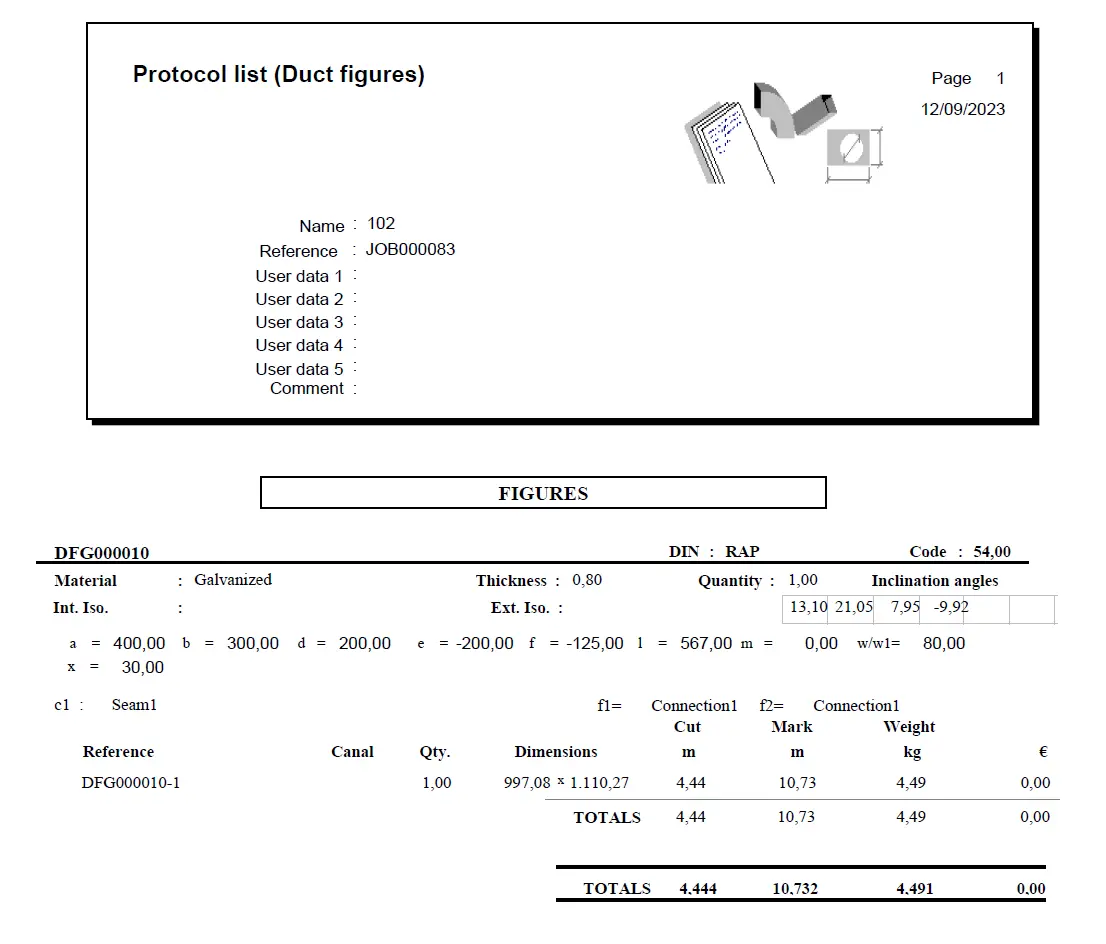
Organized and traceable database
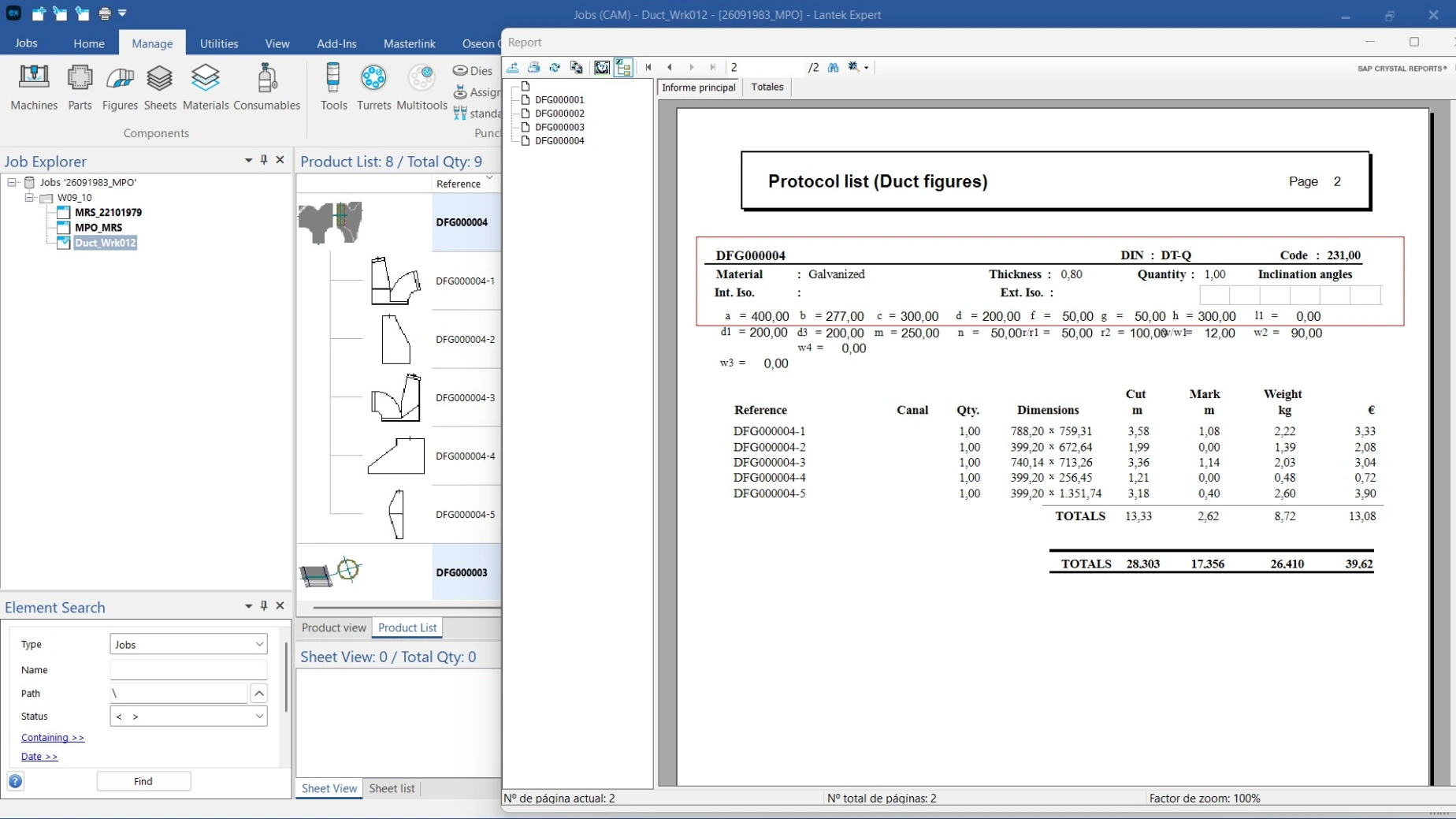
Store and manage all geometries and parameters with filters by project, customer, material, thickness, or date. This supports reuse of designs and improves production planning and order management.